 BloomShot
Your $65 bouquet deserves
better than a messy counter
photo
Upload one phone snap. Get catalog, Instagram, and website-ready photos that sell Standard, Deluxe & Premium. Your exact flowers, just lit like a $500 shoot.
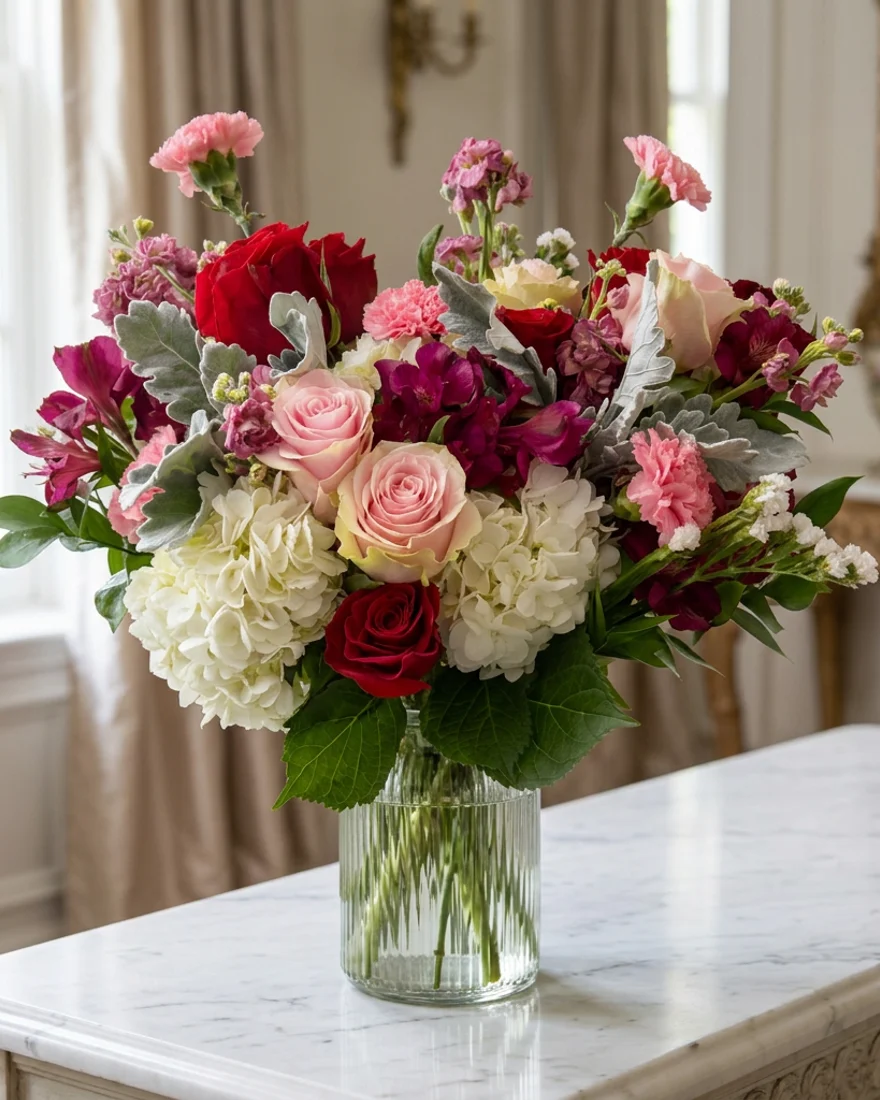
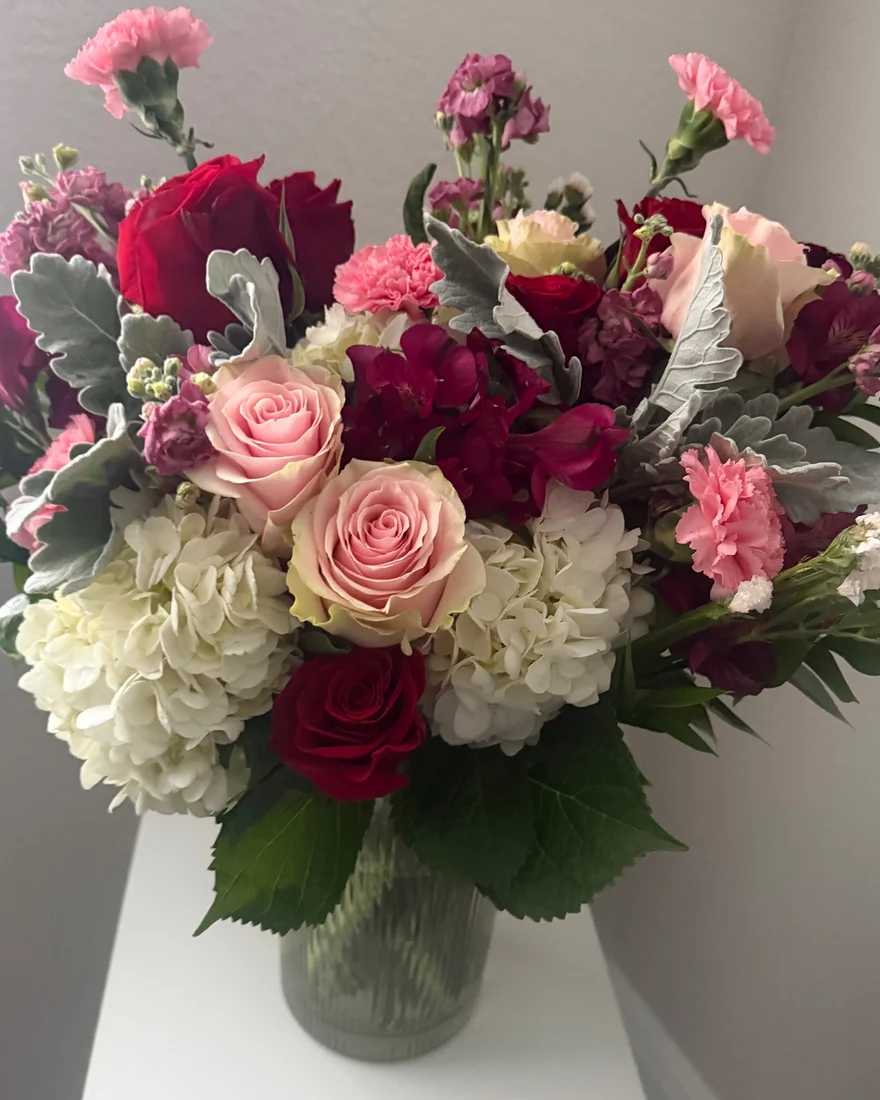
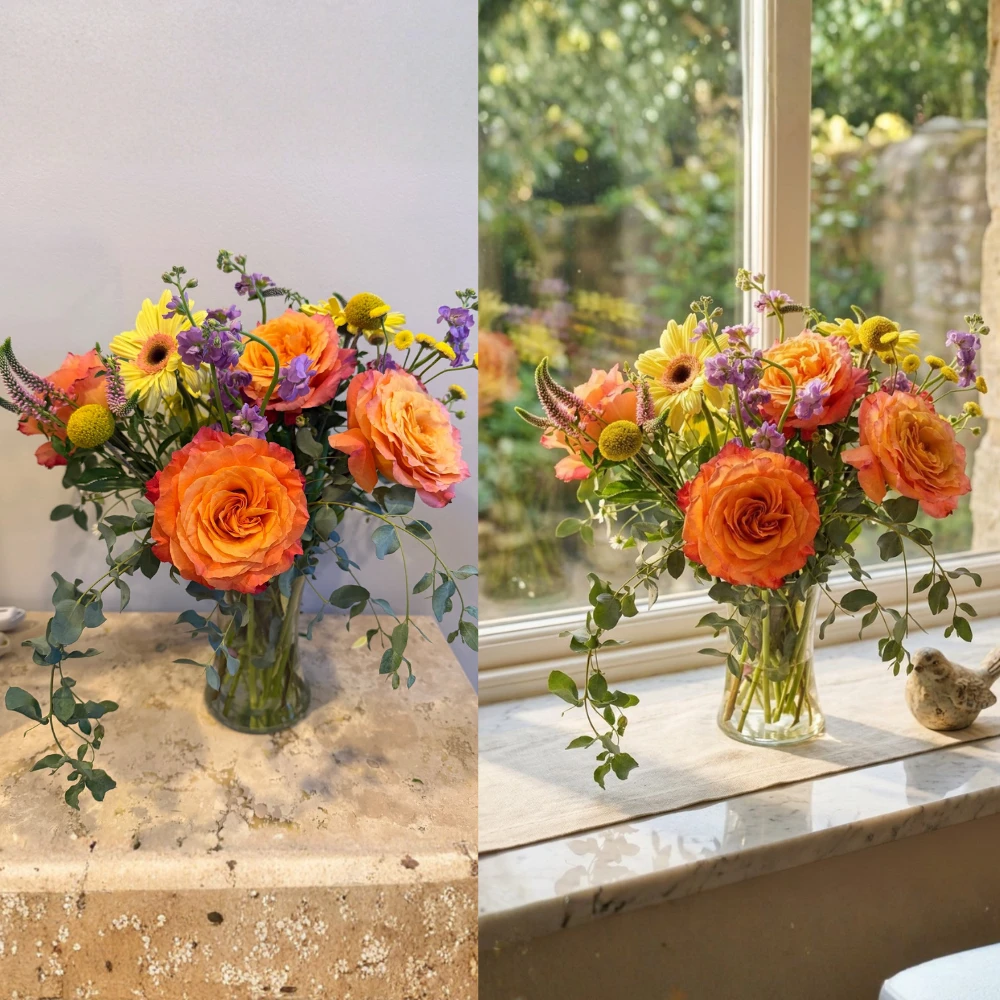
BEFORE = your counter. AFTER = same exact flowers, new lighting + background. Zoom in and count the petals.
From phone snap to
posted in 60 seconds
Upload your photo
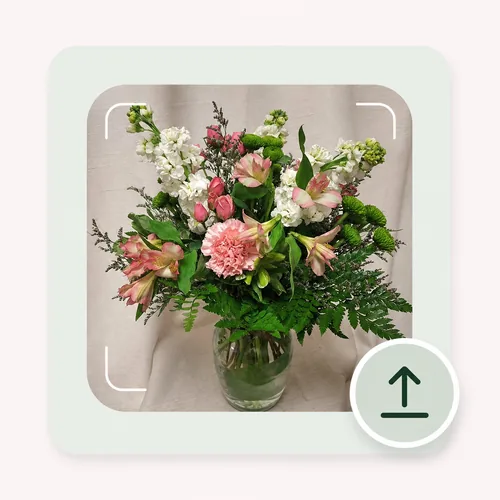
Snap one photo on your design bench. Messy counter, bad lighting, rubber bands — we handle it.
Pick a scene
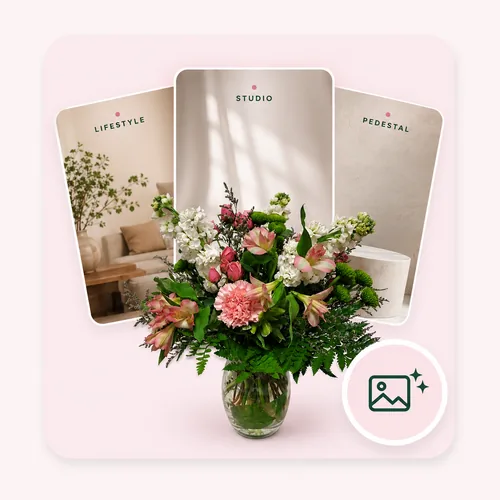
Choose from 50+ florist-curated backdrops or hit Surprise Me. Rustic, Studio, Boutique — all built to sell flowers, not furniture.
Generate
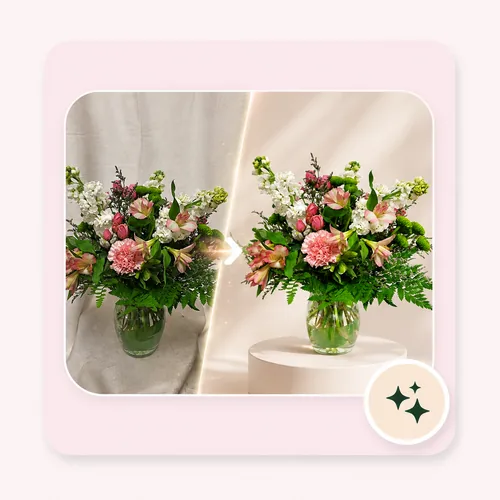
Get a true-to-life photo in seconds. Same arrangement, beautifully relit to match the new scene.
Brand it
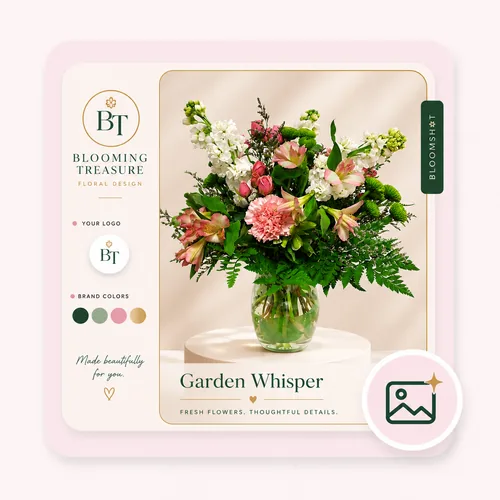
Your logo, your colors, tastefully placed. No Canva, no resizing.
Post everywhere
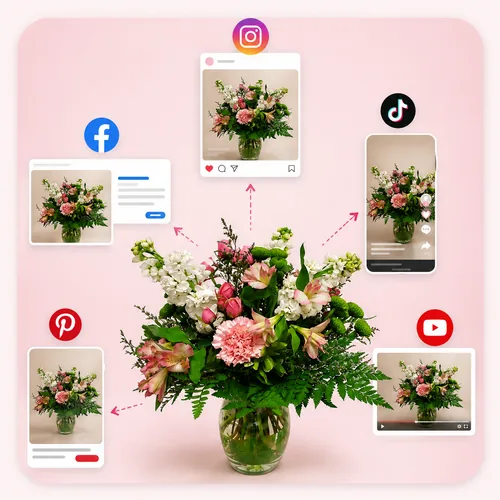
Export Instagram, Story, TikTok + website sizes with an AI caption ready to paste.
Your Instagram IS your storefront. If your photos look DIY, customers assume your flowers are too. Every blurry post is a $75 order going to the grocery store.
BloomShot makes your real work look as good as it is.
One upload = your entire
sales kit
One upload becomes a whole marketing kit — no editing, no reshoots, no skills.
Any phone photo.
Catalog-ready.
Bad lighting and a messy counter become a clean, professional scene. Your exact arrangement kept down to every petal.
- Keeps your REAL flowers & colors — we never alter a petal
- 50+ backdrops or Surprise Me
- High-res, yours to use everywhere: Website, Instagram, DoorDash, proposals
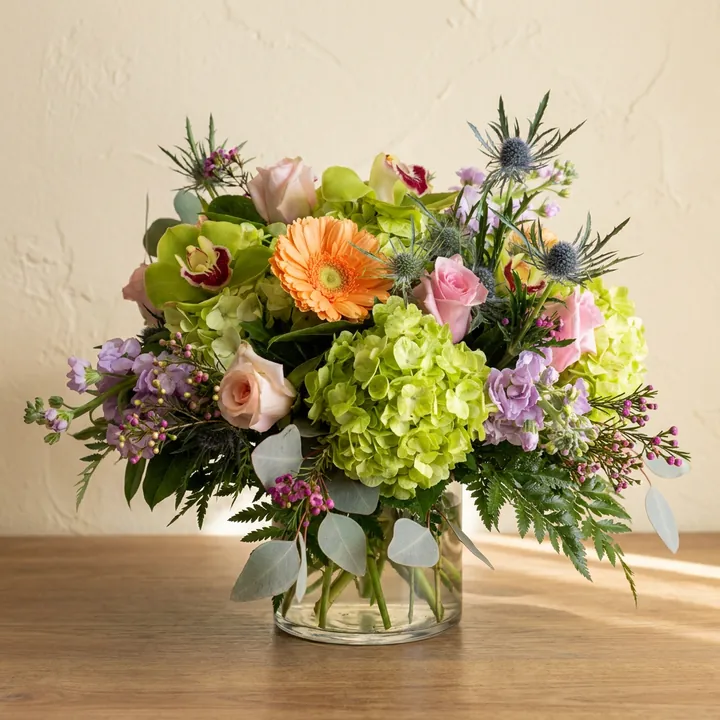
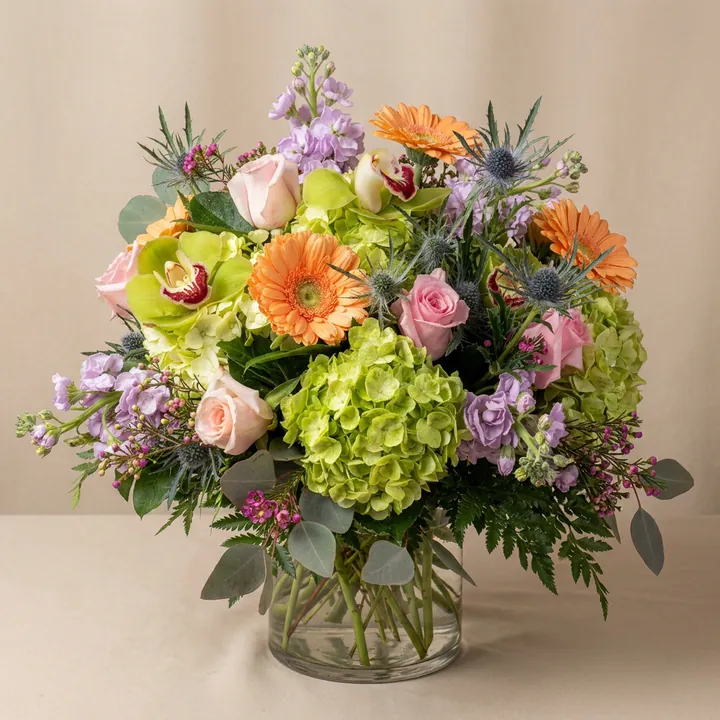
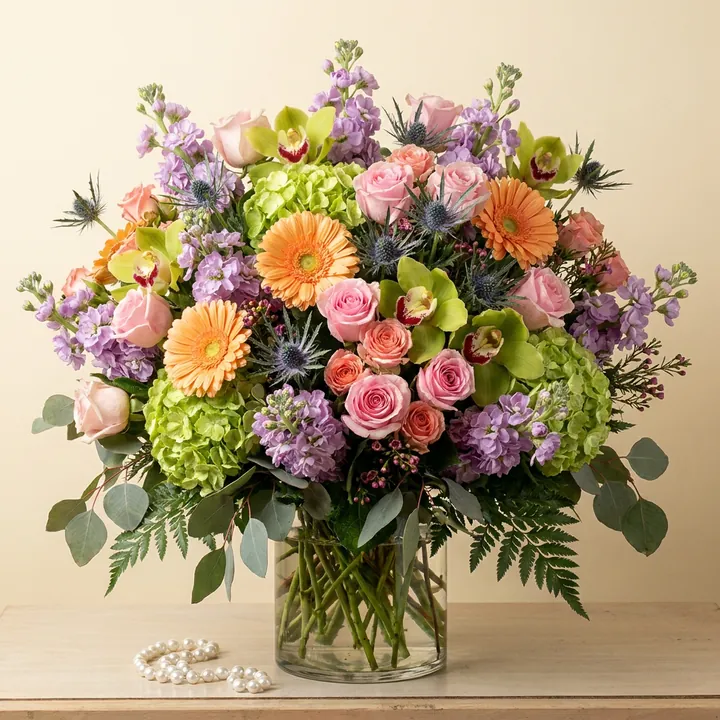
One photo. Three sizes.
More $40 upgrades.
Turn one arrangement into Standard, Deluxe & Premium with proportionally more flowers. The easiest way to justify the upsell.
- Proportionally fuller each tier
- Consistent styling across sizes
- Perfect for order forms
Branded for
your shop
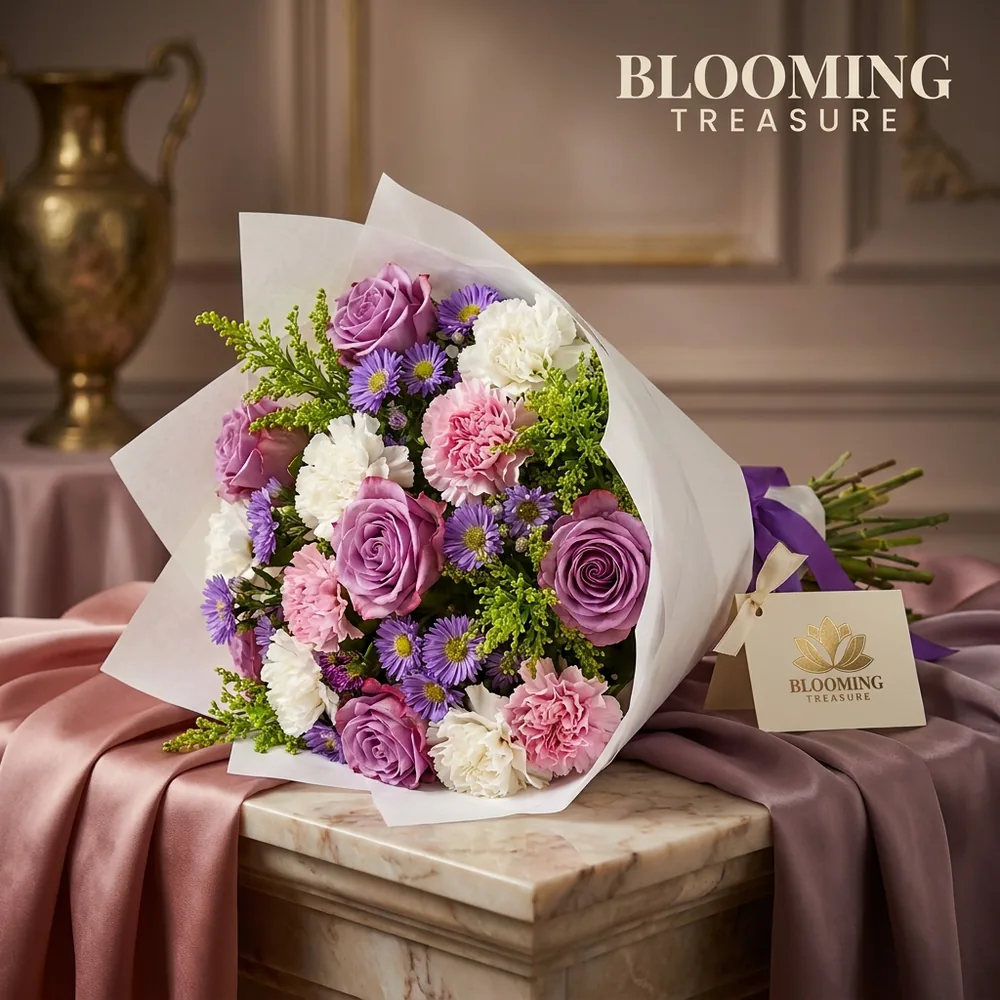
Add your logo and BloomShot turns any photo into an on-brand marketing image — then export a full social pack with captions.
- Your logo, tastefully placed
- Instagram · Story · TikTok
- AI captions included
The whole florist
workflow
From a phone snap to posted — in about a minute, with no juggling tools.
Works anywhere
your customers are
Free to start.
Upgrade only if you love it.
A local photographer: $300 + 2 week wait. BloomShot: 60 seconds. Your first 5 are free — no card needed.
- All 50+ scenes + Surprise Me
- Instagram Social Pack
- High-res, commercial use
Perfect if you post 2-3x a week
- Everything in Shop, PLUS
- 3 Size Tiers to sell Deluxe & Premium
- Brand Kit — Logo + Colors + Marketing Pack
- Pays for itself with ONE extra Deluxe order
Best for daily posters and wedding season
- Everything in Best Seller
- Founder-direct support
- For shops with 2+ locations or high volume
All plans month-to-month. Cancel in 1 click from billing. Your photos are yours forever.
Have questions?
We’ve got answers
AI product photography built for florists. You upload one messy phone photo and we rebuild the lighting and background around your exact flowers — no gear or editing needed.
Never. That’s our #1 rule. We keep your exact vase, flower types, colors and count. We only fix the lighting and background. Zoom in — you’ll see the same petals.
None. If you can take a photo on your counter, you can use BloomShot. It’s built for time-poor florists, not photographers.
Start with 5 free, no credit card. Paid plans are 50 to 350 arrangements a month. Plus one-time packs if you need a top-up during Mother’s Day or Valentine’s.
Then delete them. No pitch, no follow-up. If your first 5 don’t look exactly like your real flowers, only better lit, you shouldn’t pay. That’s why the first 5 are free with no card.
Your best photo is
one upload away
Stop losing orders to bad lighting. Turn your next arrangement into photos that sell.
Your exact flowers, or don't pay. We never alter a petal.